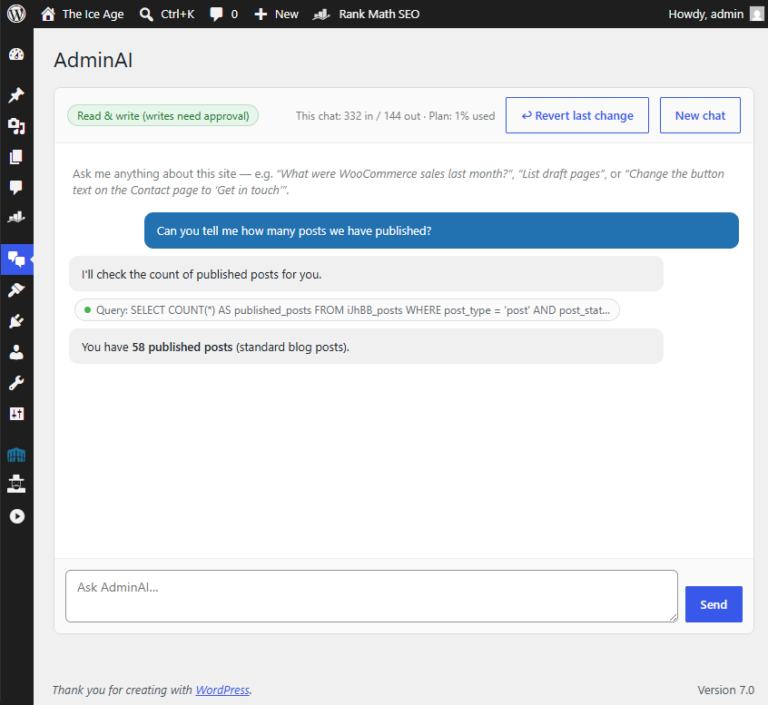
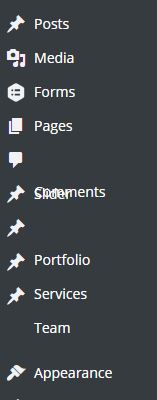
 Since the latest 4.3 WordPress update, the admin sidebars have been behaving very strangely and visually messing up when the admin user was trying to browse the admin area.
However, it seems that this issue is actually with Chrome, and not with WordPress itself. Please follow the steps below to get rid of the annoyance and get back to hassle free WordPress website management! 🙂
– Go to chrome://flags/#disable-
– Enable the “Disable slimming paint” option.
– Ensure that the “Enable slimming paint” option below it is not turned on.
– Relaunch Chrome.
And you should be back to normal!

Olly
Founder of dijitul. Building websites since 1996 and running dijitul from Mansfield since 2006.